Time tracking for Mac
ShiftClick
Start the clock, tag what you're doing, and get a clean timeline of where your hours actually went. No spreadsheets, no fuss.
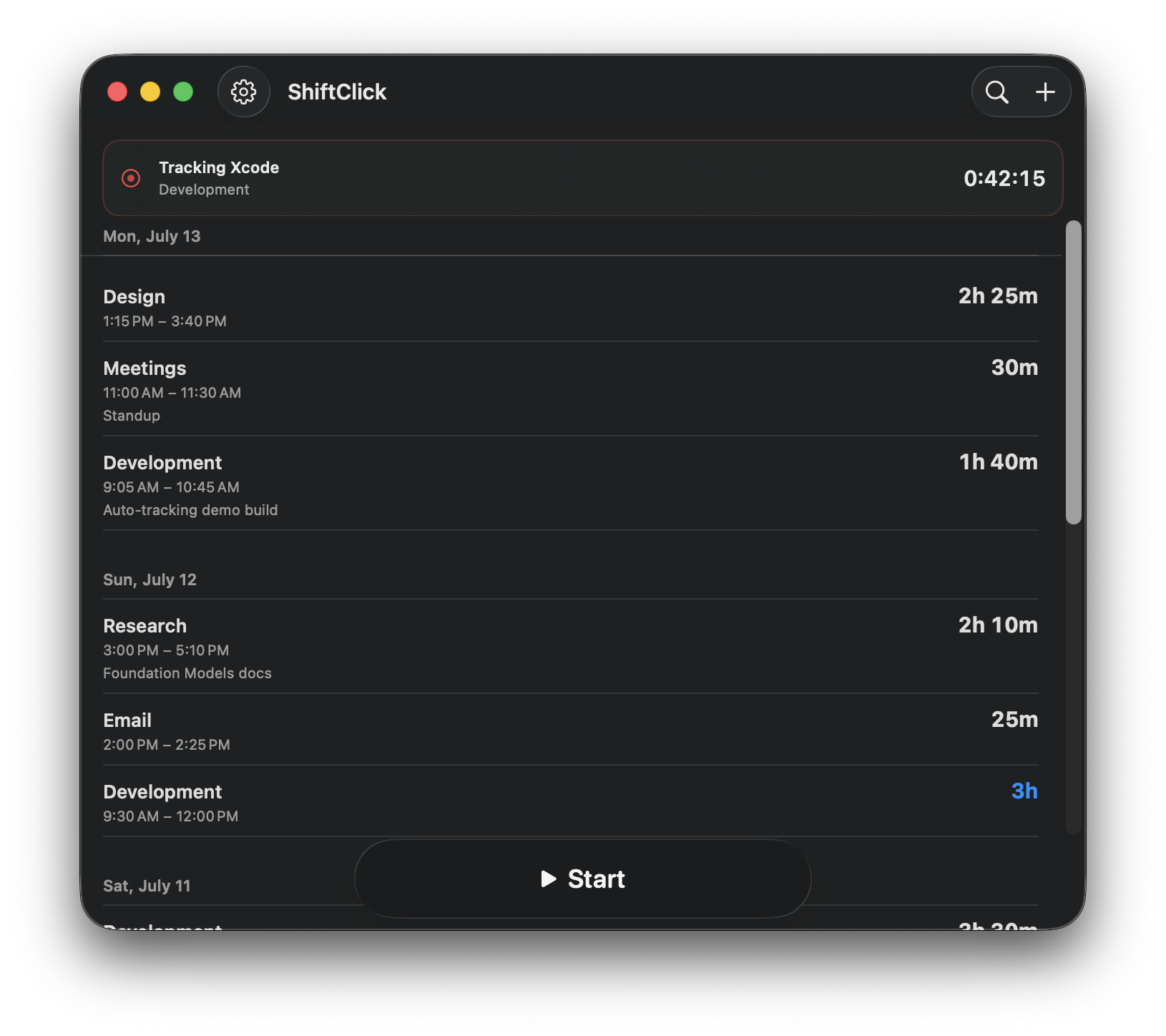
Start the clock, tag what you're doing, and get a clean timeline of where your hours actually went. No spreadsheets, no fuss.
Tap to start timing. Tap again to stop and save the session. Need to step away? Pause and resume without ending it. And when you forget to hit start, press and hold for a Quick Hour — an instant one-hour entry, no timer required.
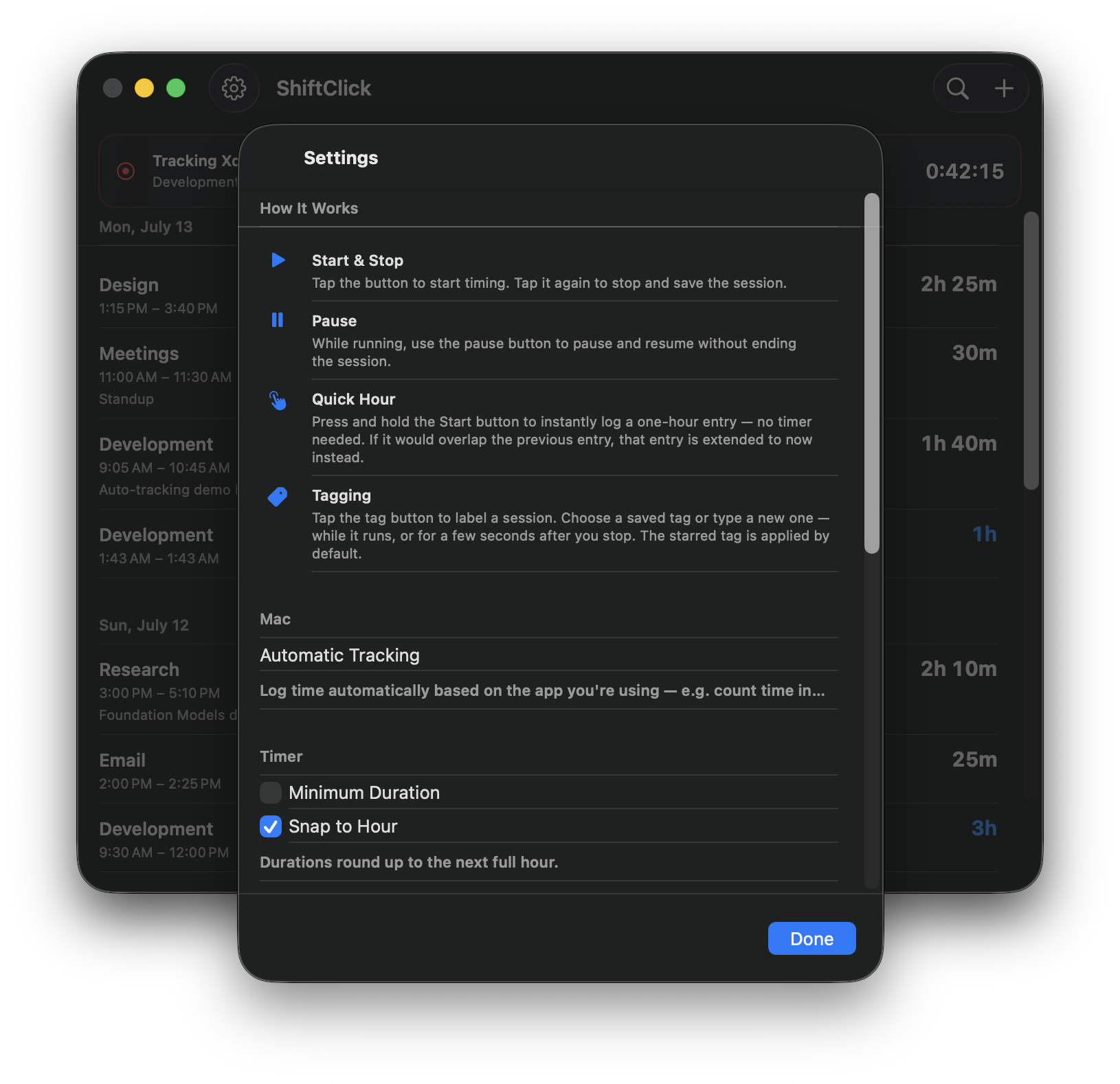
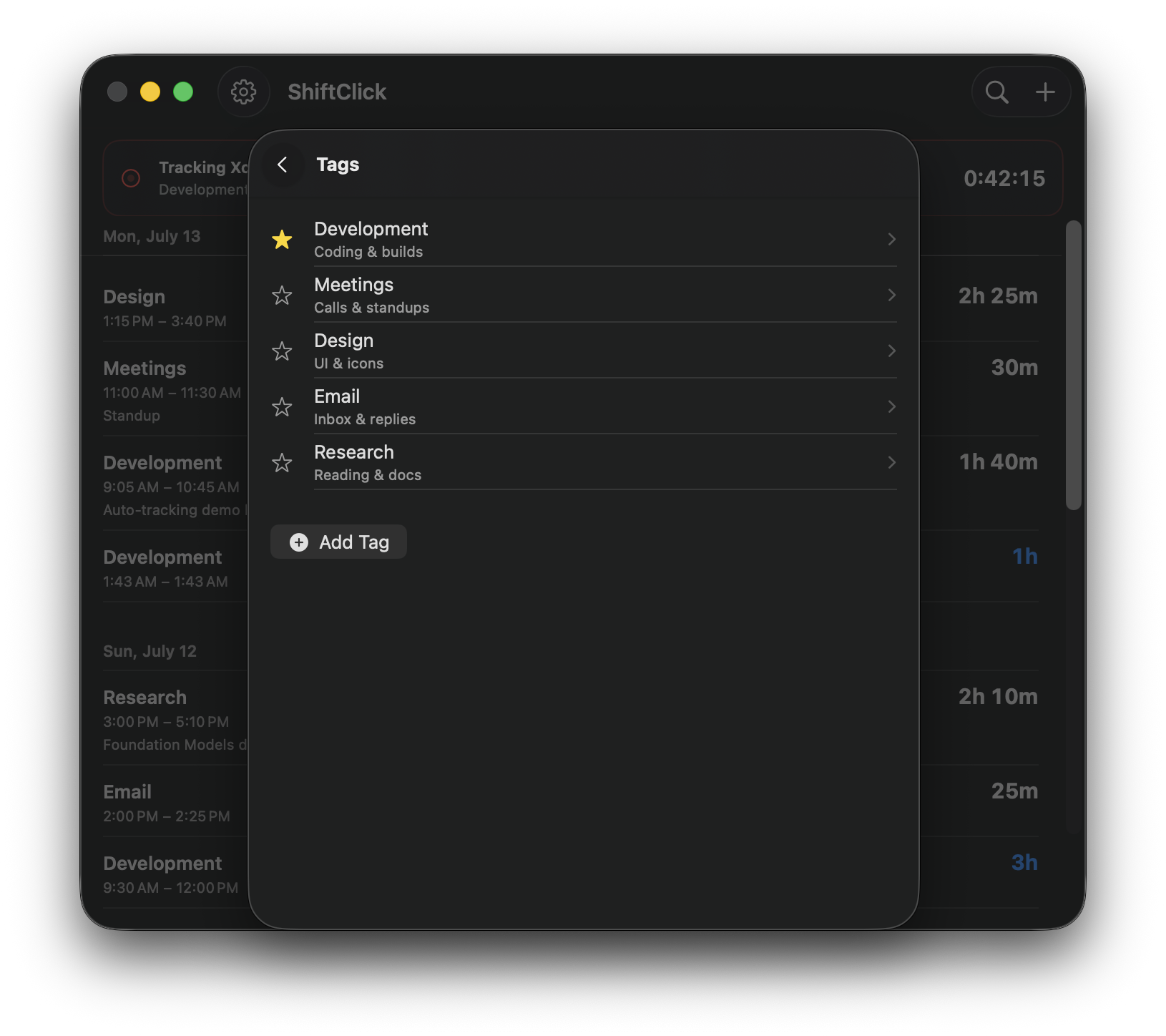
Give every session a name — Development, Meetings, Design, whatever fits. Reuse saved tags or type a new one on the fly, mid-session or right after you stop. Star the one you use most and it's applied by default.
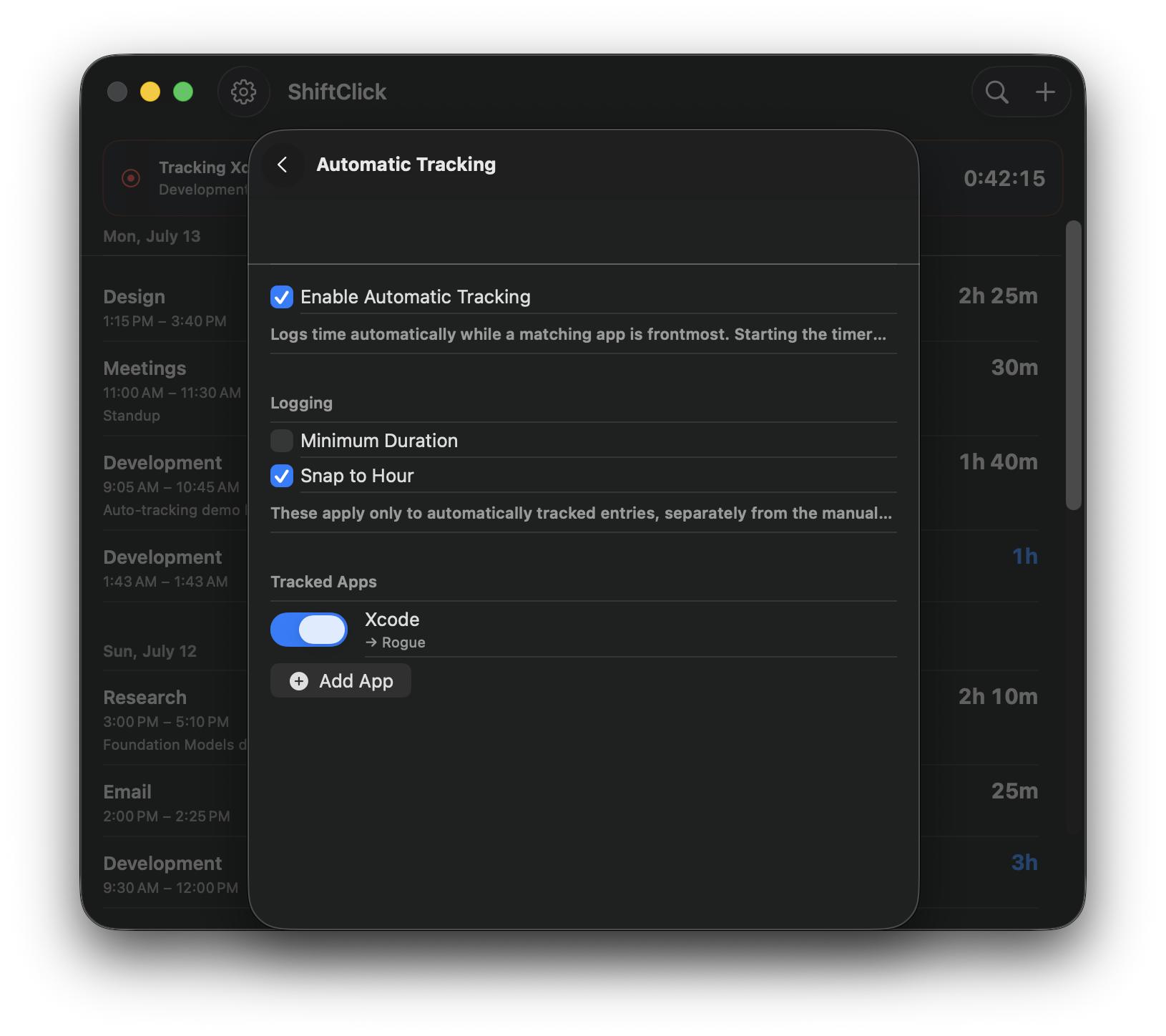
On Mac, ShiftClick can log time automatically based on the app you're in — count every minute Xcode is frontmost as Development, for example. Set it once and your timeline fills in on its own, no clicking required.
Press and hold Start to log a one-hour block instantly — perfect for catching up after the fact.
Step away mid-session and pick right back up — the clock waits, the session stays whole.
Round durations up to the next full hour — clean numbers for invoices and timesheets.
Drop the accidental few-second taps so only real work makes it onto your timeline.
Mark your go-to tag and it's applied automatically to every new session you start.
A timeline grouped by day plus quick search, so finding any past entry takes seconds.
ShiftClick is a free download on the Mac App Store. Start tracking in seconds.